Free workbench tools · AI pay as you go or with a plan
Bidly frees up people to spend their time doing the work that really matters
BUILT FOR CONSTRUCTION
Meet your new construction agent.
Tell Bidly what needs doing. It combines construction knowledge, a dozen built-in software tools, and your project files to find answers, create documents, and build estimates—all in one workspace.
Bidly workflows and construction tools
Meet your project assistant.
The construction agent
Construction knowledge built in. Tools ready to work.
Keep watching to see how Bidly handles different requests.
Complete overview · reduced motion
Project files
Organize drawings, specs, records, and file versions in one project.
Compare to: OneDrive, Google Drive
Takeoff Tool
Navigate sheets, inspect details, measure, and build your takeoff.
Compare to: STACK, Procore, Bluebeam
Pricing
Build estimates from project quantities, costs, and scope in one workspace.
Compare to: STACK, Bluebeam
Knowledge Map
Follow project connections back to the source behind a detail.
PDF Maker
Review, mark up, and assemble PDFs beside your conversation.
Compare to: Adobe Acrobat
Excel
Create editable estimates and workbooks with formulas.
Compare to: Excel
AiCAD
Draft architectural details with project context close at hand.
Compare to: AutoCAD
3D Building Renderer
Turn project plans and design instructions into 3D models and renders.
Compare to: SketchUp
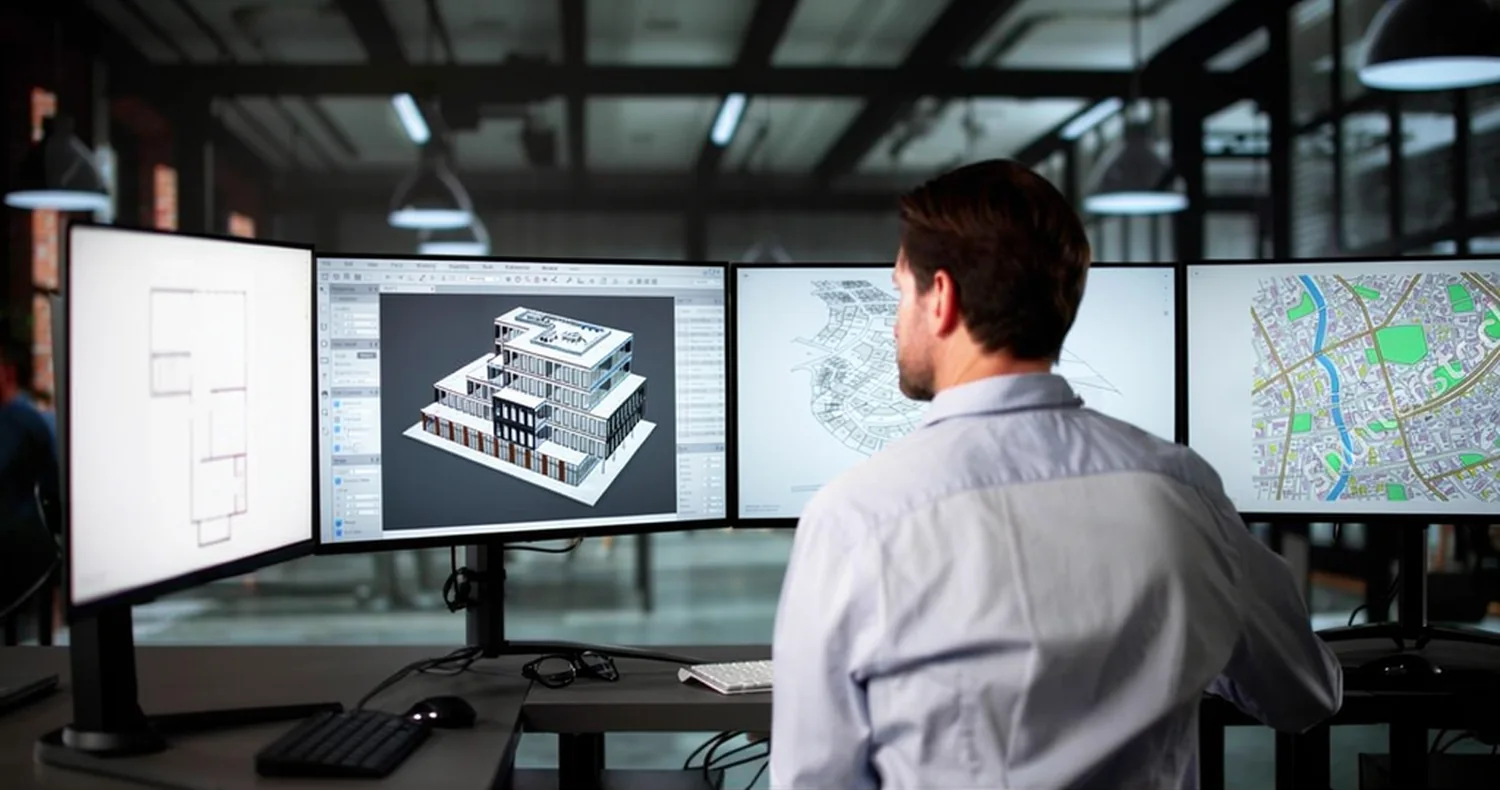
Construction design workflow · illustrative stock photography.
AI-ASSISTED DESIGN
Drawings and renders. From your request.
Tell Bidly what to draw or render. Its AI agent uses your plans and construction knowledge to work in CAD and 3D tools, then brings the results back for you to review.
Your AI. Your tools. One workbench.
Bidly brings AI, construction knowledge, and the tools you work with into one connected project.
01 / THE AI WORKSPACE
What surrounds the AI matters.
Large Language Models on their own aren't sufficient to consistently complete project management for construction.
Bidly development scope compared with general-purpose ChatGPT and Claude project workflows
Your workflow
Bidly Construction workbench
ChatGPT OpenAI · general-purpose
Claude Anthropic · general-purpose
AI conversation & file assistanceAI assistant
OpenAI-powered project assistantOpenAI AI
General AI, files & work toolsChat + files
General AI, files & artifactsChat + files
Project contextProject context
Construction files, records & sourcesJob files + sources
Takeoff Tool, PDF Maker, Word, Excel, AiCAD & 3D Building RendererFiles, plans, PDF + Excel
General tools, apps & integrationsApps + tools
General tools, artifacts & integrationsArtifacts + tools
ChatGPT and Claude support files, project context, and tools. The distinction here is Bidly’s dedicated construction workspace. This is a workflow comparison, not a claim of better model intelligence; custom integrations can extend other products.
02 / THE SPECIALIST TOOLBOX
Nine work areas. One connected workbench.
See the work areas these tools cover—and how they come together in Bidly.
Work areas by company. Bidly checks show its workbench scope; filled checks highlight AI Agents and Project Knowledge. Other checks show coverage in the named products.
Work area
BidlyConstruction workbench
OpenAIChatGPT
ClaudeProjects + files
STACKTakeoff + IQ
AdobeAcrobat
Microsoft365 + Copilot
SketchUpLayOut + V-Ray
AI Agents
Bidly core work area
Work area supported in the compared product
Work area supported in the compared product
No dedicated tool for this work area in the compared product
Work area supported in the compared product
Work area supported in the compared product
No dedicated tool for this work area in the compared product
File system
Bidly workbench coverage
No dedicated tool for this work area in the compared product
No dedicated tool for this work area in the compared product
Work area supported in the compared product
No dedicated tool for this work area in the compared product
Work area supported in the compared product
No dedicated tool for this work area in the compared product
Drawings & takeoff
Bidly workbench coverage
No dedicated tool for this work area in the compared product
No dedicated tool for this work area in the compared product
Work area supported in the compared product
No dedicated tool for this work area in the compared product
No dedicated tool for this work area in the compared product
No dedicated tool for this work area in the compared product
Project Knowledge
Bidly core work area
Work area supported in the compared product
Work area supported in the compared product
Work area supported in the compared product
Work area supported in the compared product
No dedicated tool for this work area in the compared product
No dedicated tool for this work area in the compared product
PDF Maker
Bidly workbench coverage
Work area supported in the compared product
Work area supported in the compared product
Work area supported in the compared product
Work area supported in the compared product
No dedicated tool for this work area in the compared product
Work area supported in the compared product
Excel Tools
Bidly workbench coverage
Work area supported in the compared product
Work area supported in the compared product
Work area supported in the compared product
No dedicated tool for this work area in the compared product
Work area supported in the compared product
No dedicated tool for this work area in the compared product
Word Doc Tools
Bidly workbench coverage
Work area supported in the compared product
Work area supported in the compared product
No dedicated tool for this work area in the compared product
Work area supported in the compared product
Work area supported in the compared product
No dedicated tool for this work area in the compared product
AiCAD
Bidly workbench coverage
No dedicated tool for this work area in the compared product
No dedicated tool for this work area in the compared product
No dedicated tool for this work area in the compared product
No dedicated tool for this work area in the compared product
No dedicated tool for this work area in the compared product
Work area supported in the compared product
3D Building Renderer
Bidly workbench coverage
No dedicated tool for this work area in the compared product
No dedicated tool for this work area in the compared product
No dedicated tool for this work area in the compared product
No dedicated tool for this work area in the compared product
No dedicated tool for this work area in the compared product
Checks show work-area coverage in the products named above. Bidly’s outlined checks show its workbench; filled checks highlight AI Agents and Project Knowledge. AiCAD and 3D Building Renderer are included with Pro. Feature depth and availability vary by product and plan.
Comparison sources Reviewed October 8, 2026
Competitor descriptions use the official product pages below. Bidly’s columns describe its workbench scope. AiCAD and 3D Building Renderer are included with Pro.
Bidly is built to generate any kind of construction document, using the context already in your project. Ask for what the job needs, review the result, and keep it with the work.
The details that keep a job moving.
Estimate & propose
Estimates, takeoff reports, scope sheets, bid proposals, and material schedules.
Coordinate & deliver
RFIs, submittals, meeting minutes, change orders, and project schedules.
Start free with Takeoff Tool, PDF Maker, Pricing, Kitchen Designer, Mobile App, Web Browser, Knowledge Map, Word and Excel. Buy AI tokens when you need them, or choose a weekly allowance.
Bidly Basics
FreeNo subscription
For everyday project tools, with AI when you need it.
Pay as you gofor AI usage
Your everyday workbench
Measure & Count Plans
Export All Data
Quick Pricing
Takeoff Tool
PDF Maker
Pricing
Kitchen Designer
Mobile App
Web Browser
Knowledge Map
Word
Excel
Purchased and bonus tokens carry over. No weekly allowance included.
Your weekly AI allowance is shared across your company. USD per company/month. No per-seat fee. Subscriptions bill monthly or yearly. Monthly token values are rounded averages, delivered weekly. Unused included tokens expire every seven days; purchased reserves and promotional tokens carry over. No automatic usage overage charges. Desktop provides the full toolset; availability varies by platform.
Why choose a plan instead of buying tokens?
More usage for the price. Plus includes 40,000 tokens per month on average for $50. Pro includes 200,000 for $200—five times the tokens for four times the price.
More workbench tools. Word and Excel are included in Free. Plus adds media tools, the Output System, plugins and Terminal. Pro adds AiCAD, 3D Building Renderer and Sol. Token packs add usage without changing tool or model permissions.
Two months free with yearly billing. Pay $500/year for Plus or $2,000/year for Pro. Both billing options include the same weekly allowance.
What can your tokens do?
Different jobs use different amounts. Choose Luna or Terra on any plan, or Sol on Pro. More capable models, longer context and detailed requests can use tokens faster.
General inquiryUnder 100
Using a tool100–2,000
Scope-Specific Takeoff500–2,000
Scope-Specific Submittal Creation200–1,500
Scope-Specific CAD Draft200–600
First blueprint AI read2,000–5,000
Illustrative estimates, not fixed charges. Page count, model and request complexity affect usage.
A little more about usage.
Which AI models are included?
Basics includes access to Luna and Terra using purchased or bonus tokens, with no subscription required. Plus adds a recurring weekly allowance. Pro adds Sol. More expensive models use more Bidly tokens for the same input and output. Background planset digestion uses Terra, including on Basics with purchased or bonus tokens. Purchased reserve tokens and redeemed bonus tokens carry over. They do not unlock higher-tier models or paid tools.
How is the monthly token amount delivered?
Plus includes a rounded monthly average of 40,000 tokens, and Pro 200,000. Included tokens refresh every seven days, including on yearly subscriptions. Unused weekly tokens expire; purchased reserves and redeemed bonus tokens carry over. The live Usage meter shows your actual weekly balance and next refresh.
What uses my AI allowance?
Asking the agent to work, digesting plansets, building or updating a Knowledge Map, and generating documents or estimates all use the same AI allowance. Larger files, more complex tasks, and different models can use different amounts. Paid plans include an allowance that renews every seven days. Basics has no included weekly allowance; buy tokens as you go or redeem bonus tokens. Unused weekly tokens expire; purchased reserves and promotional tokens carry over. There are no automatic usage overage charges.
Do I need an AI plan to use the tools?
Takeoff Tool, PDF Maker, Pricing, Kitchen Designer, Mobile App, Web Browser, Knowledge Map, Word and Excel are included in Free. AI digestion, knowledge updates and chat use tokens. Plus adds weekly AI usage, Media tools, Output System, Plugins and Terminal. Pro adds AiCAD and 3D Building Renderer. Manual tools on a paid plan do not consume AI allowance and keep working when the allowance is empty. On Basics, purchased or bonus tokens let you use Luna and Terra without a subscription. Purchased credits do not unlock paid tools.
GET STARTED
Your next project starts here.
Start free with Takeoff Tool, PDF Maker, Pricing, Kitchen Designer, Mobile App, Web Browser, Knowledge Map, Word and Excel. Choose a paid plan for weekly AI usage and more tools.
Your project. Your assistant. Your tools.
Put Bidly to work.
Takeoff Tool, PDF Maker, Pricing, Kitchen Designer, Mobile App, Web Browser, Knowledge Map, Word and Excel are included in Free.

 Powered by OpenAI