Bidly frees up people to spend their time doing the work that really matters
BUILT FOR CONSTRUCTION
Meet your new construction agent.
Tell Bidly what needs doing. It combines construction knowledge, a dozen built-in software tools, and your project files to find answers, create documents, and build estimates—all in one workspace.
Bidly workflows and construction tools
Meet your project assistant.
The construction agent
Construction knowledge built in. Tools ready to work.
Keep watching to see how Bidly handles different requests.
Complete overview · reduced motion
Project files
Organize drawings, specs, records, and file versions in one project.
Compare to: OneDrive, Google Drive
Drawings
Navigate sheets, inspect details, measure, and build your takeoff.
Compare to: STACK, Procore, Bluebeam
Estimating
Build estimates from project quantities, costs, and scope in one workspace.
Compare to: STACK, Bluebeam
Knowledge Base
Keep project references, specs, and useful answers ready for your assistant.
Compare to: OpenAI Projects
Knowledge Map
Follow project connections back to the source behind a detail.
PDF workspace
Review, mark up, and assemble PDFs beside your conversation.
Compare to: Adobe Acrobat
Sheets & Excel
Create editable estimates and workbooks with formulas.
Compare to: Excel
CAD drafting
Draft architectural details with project context close at hand.
Compare to: AutoCAD
3D & rendering
Turn project plans and design instructions into 3D models and renders.
Compare to: SketchUp
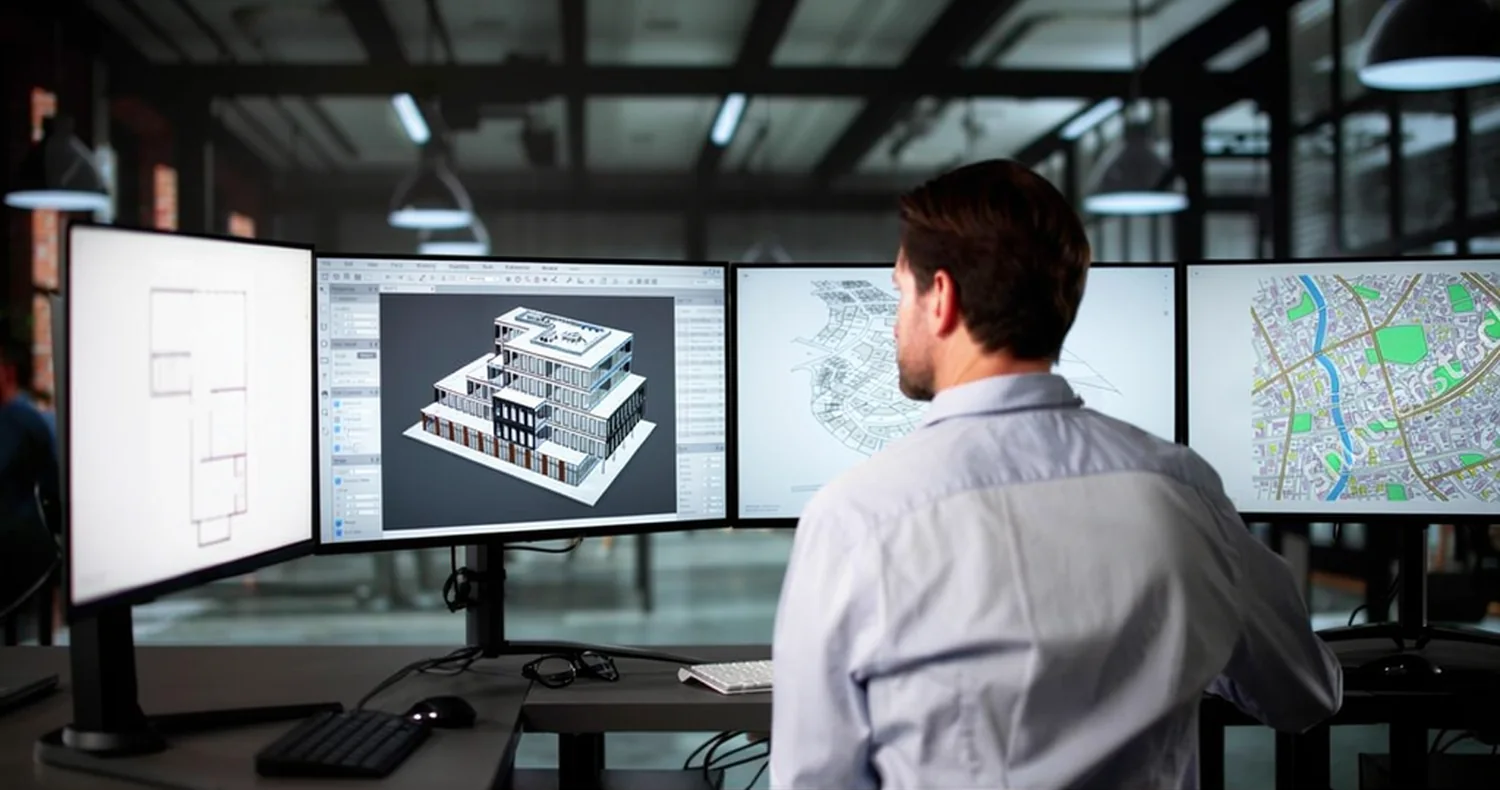
Construction design workflow · illustrative stock photography.
AI-ASSISTED DESIGN
Drawings and renders. From your request.
Tell Bidly what to draw or render. Its AI agent uses your plans and construction knowledge to work in CAD and 3D tools, then brings the results back for you to review.
Your AI. Your tools. One workbench.
Bidly brings AI, construction knowledge, and the tools you work with into one connected project.
01 / THE AI WORKSPACE
What surrounds the AI matters.
Large Language Models on their own aren't sufficient to consistently complete project management for construction.
Bidly development scope compared with general-purpose ChatGPT and Claude project workflows
Your workflow
Bidly Construction workbench
ChatGPT OpenAI · general-purpose
Claude Anthropic · general-purpose
AI conversation & file assistanceAI assistant
OpenAI-powered project assistantOpenAI AI
General AI, files & work toolsChat + files
General AI, files & artifactsChat + files
Project contextProject context
Construction files, records & sourcesJob files + sources
Files, drawings, PDF & spreadsheets; CAD/3D plannedFiles, plans, PDF + Excel
General tools, apps & integrationsApps + tools
General tools, artifacts & integrationsArtifacts + tools
ChatGPT and Claude support files, project context, and tools. The distinction here is Bidly’s dedicated construction workspace. This is a workflow comparison, not a claim of better model intelligence; custom integrations can extend other products.
02 / THE SPECIALIST TOOLBOX
Nine work areas. One connected workbench.
See the work areas these tools cover—and how they come together in Bidly.
Work areas by company. Bidly checks show its workbench scope; filled checks highlight AI Agents and Project Knowledge. Other checks show coverage in the named products.
Work area
BidlyConstruction workbench
OpenAIChatGPT
ClaudeProjects + files
STACKTakeoff + IQ
AdobeAcrobat
Microsoft365 + Copilot
SketchUpLayOut + V-Ray
AI Agents
Bidly core work area
Work area supported in the compared product
Work area supported in the compared product
No dedicated tool for this work area in the compared product
Work area supported in the compared product
Work area supported in the compared product
No dedicated tool for this work area in the compared product
File system
Bidly workbench coverage
No dedicated tool for this work area in the compared product
No dedicated tool for this work area in the compared product
Work area supported in the compared product
No dedicated tool for this work area in the compared product
Work area supported in the compared product
No dedicated tool for this work area in the compared product
Drawings & takeoff
Bidly workbench coverage
No dedicated tool for this work area in the compared product
No dedicated tool for this work area in the compared product
Work area supported in the compared product
No dedicated tool for this work area in the compared product
No dedicated tool for this work area in the compared product
No dedicated tool for this work area in the compared product
Project Knowledge
Bidly core work area
Work area supported in the compared product
Work area supported in the compared product
Work area supported in the compared product
Work area supported in the compared product
No dedicated tool for this work area in the compared product
No dedicated tool for this work area in the compared product
PDF Tools
Bidly workbench coverage
Work area supported in the compared product
Work area supported in the compared product
Work area supported in the compared product
Work area supported in the compared product
No dedicated tool for this work area in the compared product
Work area supported in the compared product
Excel Tools
Bidly workbench coverage
Work area supported in the compared product
Work area supported in the compared product
Work area supported in the compared product
No dedicated tool for this work area in the compared product
Work area supported in the compared product
No dedicated tool for this work area in the compared product
Word Doc Tools
Bidly workbench coverage
Work area supported in the compared product
Work area supported in the compared product
No dedicated tool for this work area in the compared product
Work area supported in the compared product
Work area supported in the compared product
No dedicated tool for this work area in the compared product
CAD drafting
Bidly workbench coverage
No dedicated tool for this work area in the compared product
No dedicated tool for this work area in the compared product
No dedicated tool for this work area in the compared product
No dedicated tool for this work area in the compared product
No dedicated tool for this work area in the compared product
Work area supported in the compared product
3D & rendering
Bidly workbench coverage
No dedicated tool for this work area in the compared product
No dedicated tool for this work area in the compared product
No dedicated tool for this work area in the compared product
No dedicated tool for this work area in the compared product
No dedicated tool for this work area in the compared product
Checks show work-area coverage in the products named above. Bidly’s outlined checks show its workbench; filled checks highlight AI Agents and Project Knowledge. Bidly is in development; CAD and 3D are planned. Feature depth and availability vary by product and plan.
Comparison sources Reviewed October 8, 2026
Competitor descriptions use the official product pages below. Bidly’s columns describe the development workbench scope; CAD and 3D are planned.
Bidly is built to generate any kind of construction document, using the context already in your project. Ask for what the job needs, review the result, and keep it with the work.
The details that keep a job moving.
Estimate & propose
Estimates, takeoff reports, scope sheets, bid proposals, and material schedules.
Coordinate & deliver
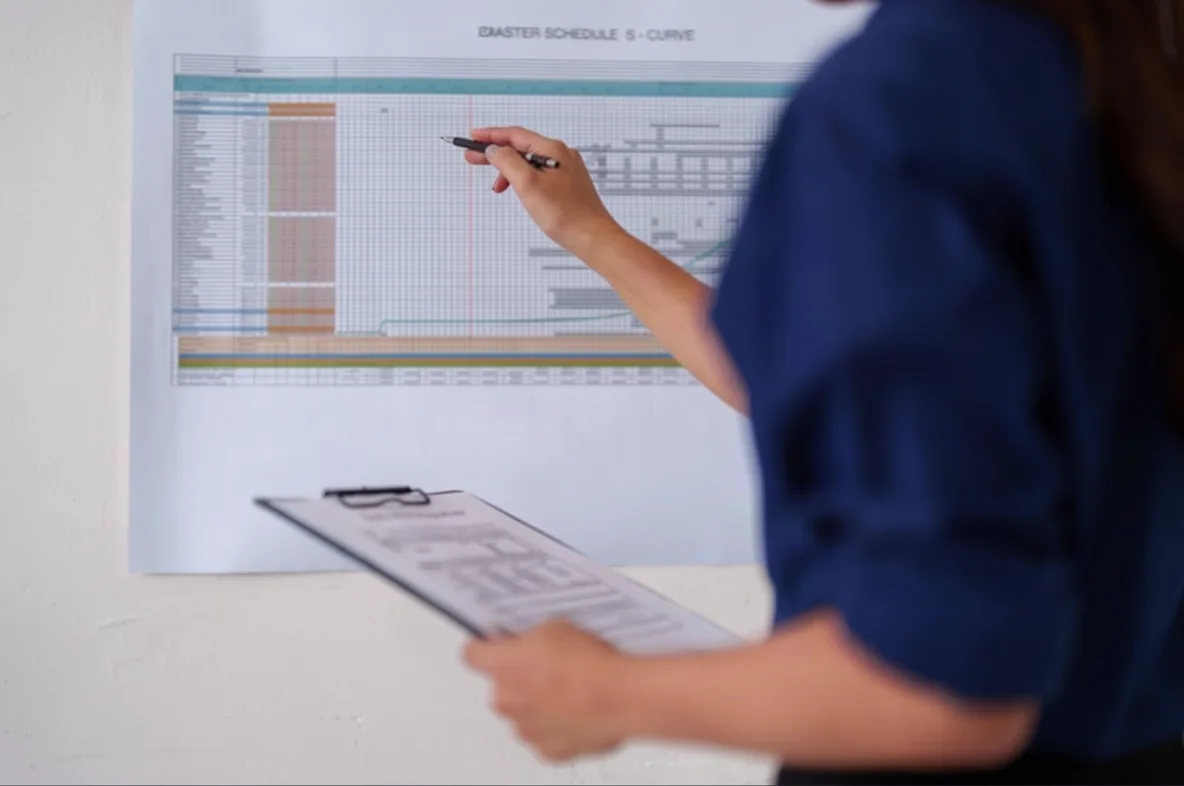
RFIs, submittals, meeting minutes, change orders, and project schedules.
Every AI plan includes the complete free Workbench. Your monthly AI allowance is shared across your company.
USD per company/month. No per-seat fee. Unused monthly tokens expire at renewal; promotional tokens stay separate. No automatic usage overage charges. Desktop provides the full toolset; availability varies by platform.
A little more about usage.
What does 1×, 5×, or 20× usage mean?
Starter includes 21,000 Bidly tokens per billing month at 1×. Pro includes 105,000 and Max includes 420,000. Bidly tokens measure AI work; larger tasks and more capable models use more. Pro includes 5 times the Starter allowance, and Max includes 20 times it. These are allowance multipliers, not speed or accuracy ratings. They do not promise a fixed number of questions or blueprints.
What uses my AI allowance?
Asking the agent to work, digesting plansets, building or updating a Knowledge Map, and generating documents or estimates all use the same AI allowance. Larger files, more complex tasks, and different models can use different amounts. Your included allowance renews each billing month. Unused monthly tokens expire; promotional tokens stay separate. There are no automatic usage overage charges.
Do I need an AI plan to use the tools?
No. Manual PDF editing, spreadsheet work, drawing measurements, and CAD tools are part of the free workbench. Opening, reviewing, or manually editing an existing file does not use AI allowance. Desktop provides the full toolset; availability varies by platform.
GET STARTED
Your next project starts here.
A free construction workbench built for estimators and specialty contractors. Create your account, bring your project, and add AI when you need it.
Your project. Your assistant. Your tools.
Put Bidly to work.
Takeoff, Estimating, PDF Tools, Excel, and CAD are included in the free workbench.

 Powered by OpenAI